
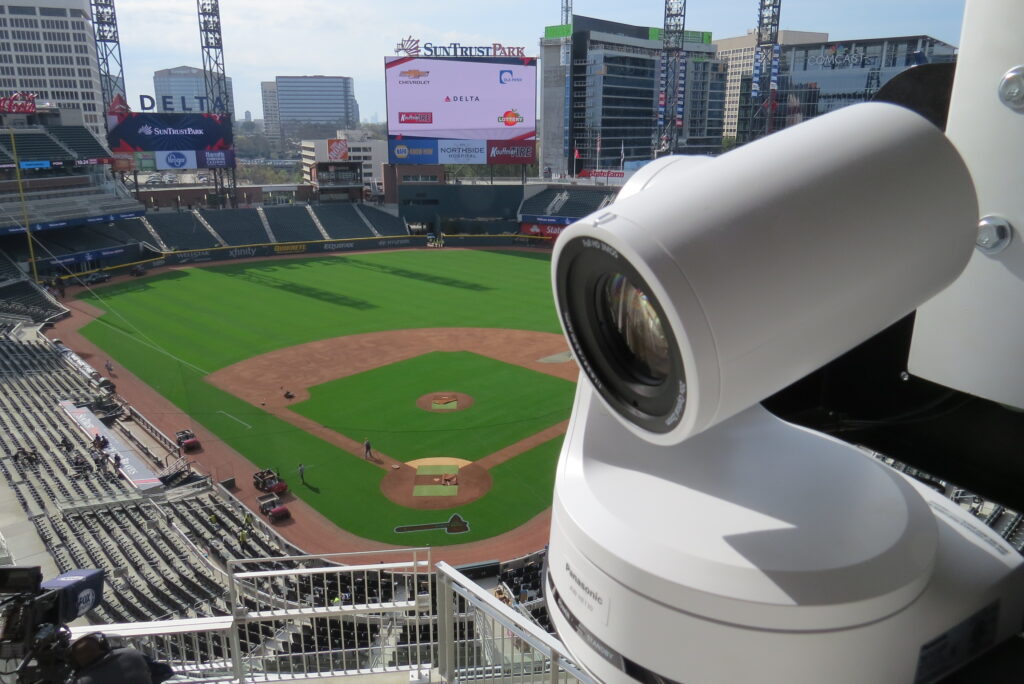

Replay separates professional sports broadcasts from amateur ones. Here is how the system works.
Nothing elevates a sports broadcast like instant replay. A great play happens. The replay operator captures it from multiple angles. The director calls for the replay and the audience sees the moment again in slow motion from the best camera angle. It is the feature that audiences expect and the capability that sets professional sports production apart.
But replay systems are also one of the most misunderstood investments in a control room. The technology has evolved rapidly and the range of options, from basic software solutions to high-end dedicated servers, can make the decision confusing.
How Replay Works in a Control Room
A replay system continuously records every camera feed coming into the control room. When a notable play happens, the replay operator marks the moment and can instantly access any camera angle from the last several minutes. They select the best angles, adjust speed (slow motion or super slow motion), and cue the clip for the director to take to air.
The entire process from play to replay on screen takes 10-30 seconds in a well-run production. This demands a dedicated operator position with a purpose-built control surface and monitors showing all recording channels simultaneously.
Key Specifications That Matter
- Recording channels: How many camera feeds can the system record simultaneously. A basic system may handle 4-6 channels. A professional system handles 8-16 or more. You need enough channels to record every camera that might capture a replay-worthy moment.
- Slow motion capability: Standard speed replay is the minimum. 2x slow motion is essential for most sports. 4x or 6x super slow motion is standard for higher-level productions and makes a dramatic visual difference.
- Storage: How much recording time the system can hold per channel. Most systems record on a rolling buffer that overwrites the oldest content. Longer buffers give the operator more material to work with. Two to four hours of recording per channel is typical.
- Output quality: The resolution and frame rate of the replay output. HD 1080p at 60fps is the baseline. 4K capability is increasingly expected for large venue displays and high-end broadcasts.
- Control surface: A hardware controller with a T-bar or jog wheel for speed control, dedicated channel select buttons, and a clean interface the operator can use without looking away from the monitors. Software-only replay is possible but significantly slower in live sports.
Integration with the Control Room
The replay system does not work in isolation. It must integrate tightly with the rest of the production infrastructure.
- Video inputs: The replay server receives camera feeds from the same router that feeds the switcher. These feeds must be clean and properly timed.
- Video outputs: Replay clips route back to the switcher as additional sources that the TD can take to air like any camera feed.
- Communication: The replay operator needs clear intercom communication with the director so they know which replay to prepare and when to cue it.
- Monitoring: The replay position needs monitors showing all recording channels plus the replay output. This typically requires 4-8 monitors at the operator position depending on channel count.
- Console space: A replay operator needs substantial desk space for the control surface, monitors, and often a keyboard for clipping and naming highlights. Plan for a minimum of 5-6 feet of console width for a dedicated replay position.
Budget Context
- Software-based replay on a standard computer: $2,000-$8,000
- Entry-level dedicated replay server (4-6 channels): $15,000-$35,000
- Professional replay server (6-12 channels, slow-mo): $35,000-$80,000
- Broadcast-grade replay system (12+ channels, super slow-mo): $80,000-$200,000+
The control surface and monitoring setup add $5,000-$20,000 on top of the server cost depending on the number of channels and monitor configuration.
If your budget does not allow for a dedicated replay system, some video switchers and production platforms include basic replay functionality as a built-in feature. This is a reasonable starting point for smaller programs that plan to upgrade later.
Adding replay to your sports production?
TakeOne integrates replay systems from every major manufacturer. We design the operator position, the routing infrastructure, and the workflow to make replay fast and reliable.
Call 1-877-818-2531 to discuss your sports production needs.
About TakeOne Broadcast Solutions
TakeOne is a full-service broadcast video integrator and consultant that designs, builds and supports professional video systems for sports venues, universities, churches and broadcast facilities nationwide. From control room design through equipment integration and operator training, we handle every phase of the project.
Request a control room assessment or call 1-877-818-2531 to discuss your project.